.jpg)
Setting Up Minimax M2.5 in VSCode(GUI) and In TUI: A Complete Guide
Introduction
Getting started with Minimax M2.5 in VSCode is straightforward when you know your options. This guide walks you through setting up inference providers that support this powerful model, with a focus on free or low-cost options for developers on a budget.
Minimax M2.5 delivers exceptional coding performance — achieving 80.2% on SWE-Bench Verified, matching Claude Opus 4.6 at roughly one-thirtieth the cost. The challenge is accessing it affordably, which is where inference providers come in.
Understanding Your Options
What Are Inference Providers?
Inference providers are platforms that give you access to AI models via API. Instead of running models locally on your machine (which requires expensive hardware), you connect to these providers' servers. They handle the heavy computation, and you pay (or use free credits) for the service.
For Minimax M2.5, several providers offer access:
Kilo Code Trial periods available VS Code extension with built-in AI agent also has TUI
OpenCode Trial periods available CLI/TUI tool, not VS Code extension
Cline Limited free trials Check current offers
MiniMax Agent Completely free Browser-based, no VSCode integration
Option 1: Kilo Code (Recommended)
Kilo Code is a VS Code extension that combines an AI coding agent with access to multiple models, including Minimax M2.5. It's designed specifically for developers who want powerful AI assistance without the "frontier tax" of premium models.
Why Kilo Code?
Step-by-Step Setup
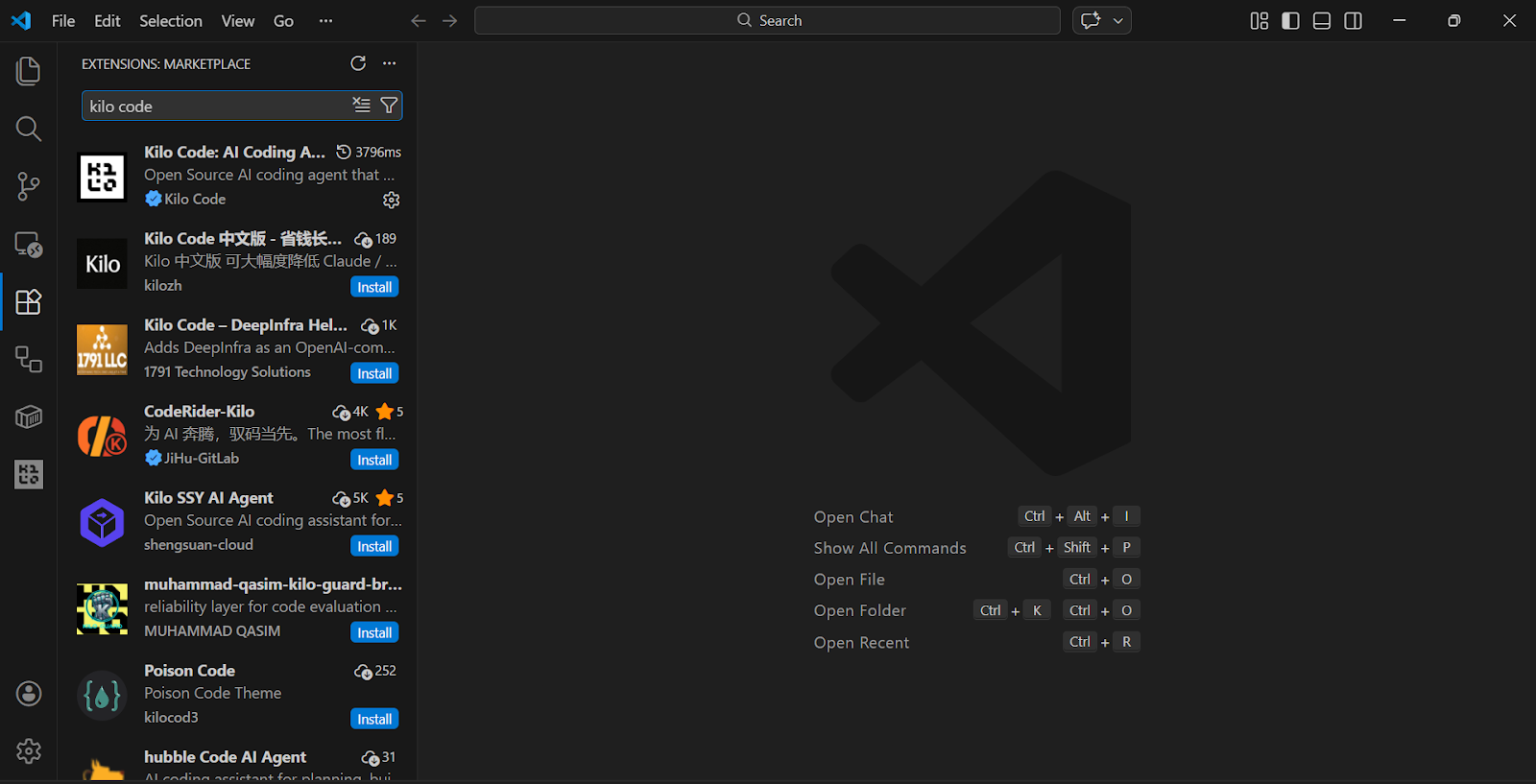
Step 1: Install the Extension
Alternatively, visit the VS Code Marketplace and click Install.
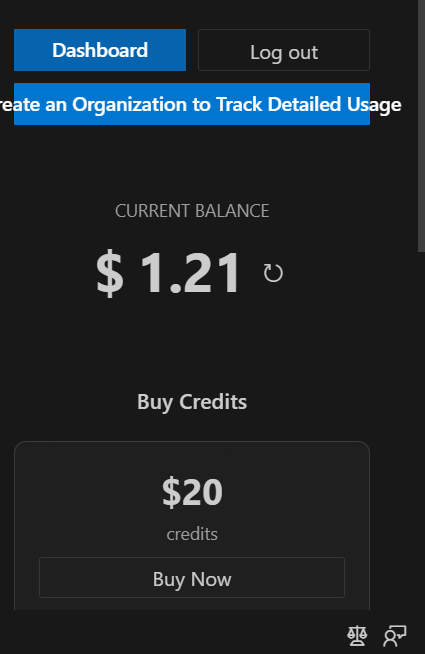
Step 2: Create an Account
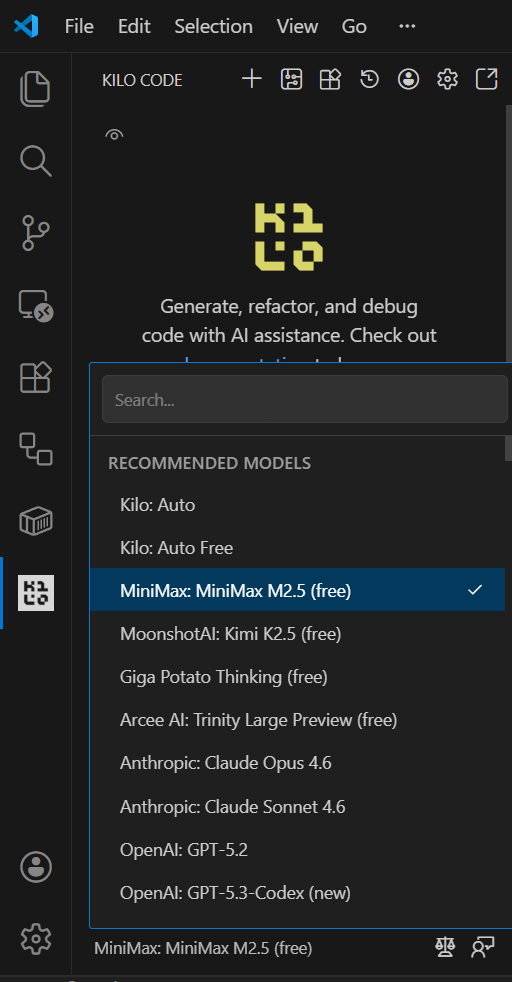
Step 3: Access Minimax M2.5
Option 2: Cline
Cline (formerly "Claude Dev") is another popular VS Code extension that supports multiple AI providers, including Minimax models.
Why Cline?
Step-by-Step Setup
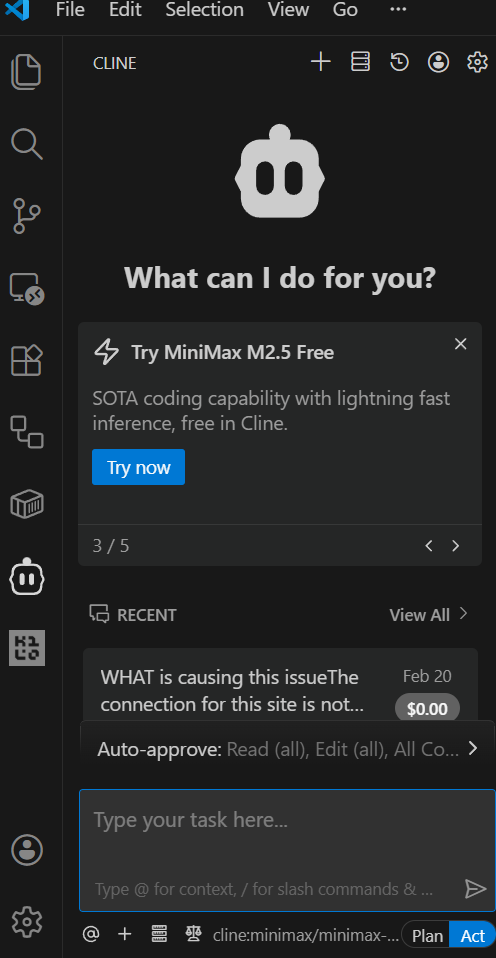
Step 1: Install Cline
Option 3: OpenCode (CLI/TUI)
OpenCode is a terminal-based (TUI) AI coding assistant that offers free access to Minimax models with generous daily limits. It's not a VS Code extension — it runs in your terminal.
Why OpenCode?
Step-by-Step Setup
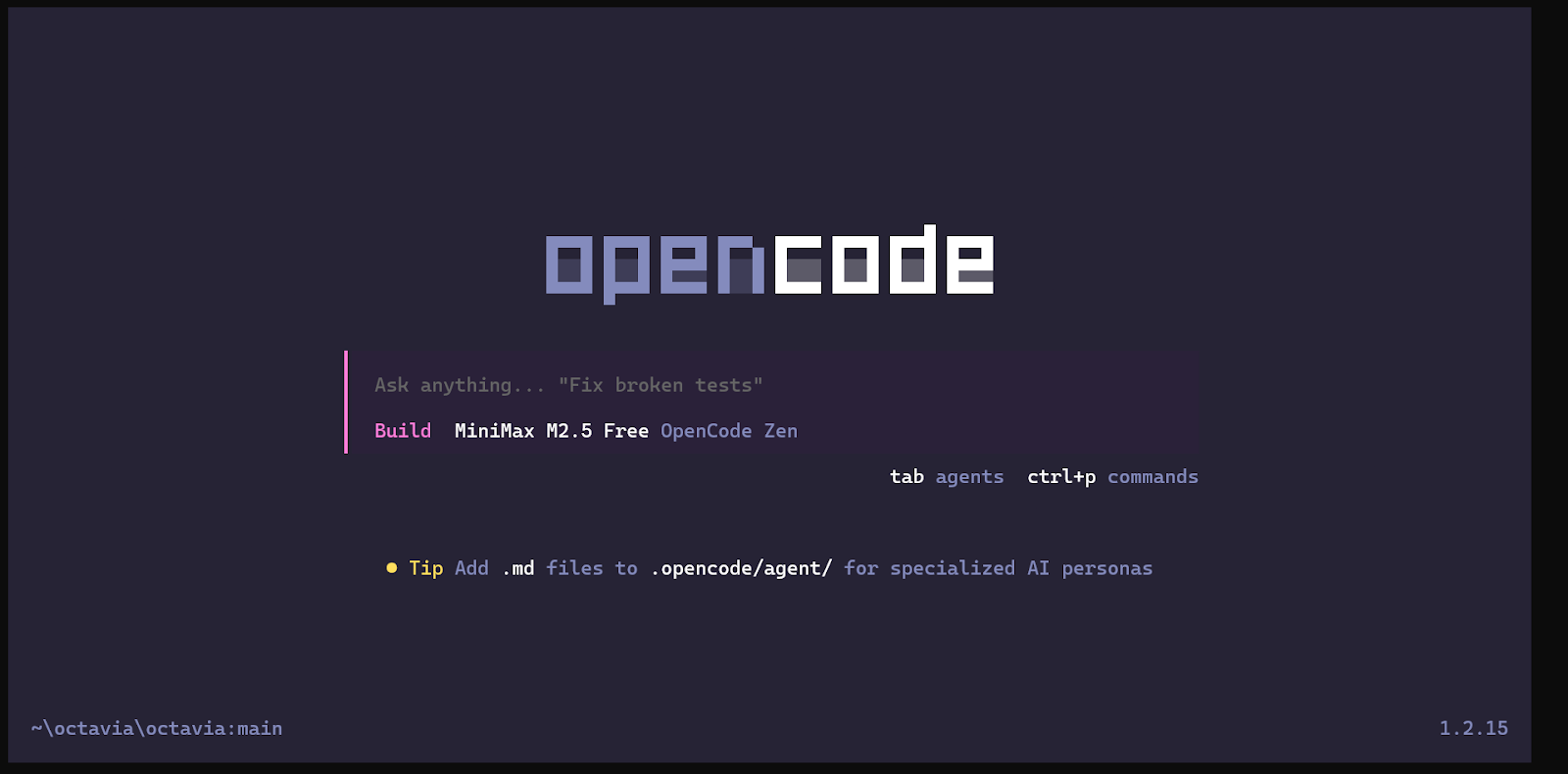
Getting Free Access
Current Free Options
Kilo Code: Check their website for promotional periods. The M2.5 launch included a full free week. They may offer similar promotions periodically.
OpenCode: Offers free tier access to Minimax models. Sign up and check your daily allowance.
MiniMax Agent: Completely free browser-based chat interface. No VS Code integration, but excellent for testing and learning. Visit minimax.io to try it.
Tips for Free Access
Recommended Starting Point
For most users, here's the recommended path:
Summary
Setting up Minimax M2.5 in VSCode is accessible thanks to multiple inference providers offering free or trial access. Start with Kilo Code or OpenCode for the full VS Code integration experience, or try MiniMax Agent for free browser-based access. The model delivers exceptional coding performance, making it well worth the setup effort.
Remember to check for current free trial offers, as these change frequently. The best approach is to sign up for multiple providers and take advantage of the free credits each offers. Kilo Code offers the full VS Code extension experience, while OpenCode provides a powerful CLI alternative.
Author: Jim Amuto | AI Engineering Apprentice at LUNARTECH.
Linkedin Author: https://www.linkedin.com/in/jim-amuto-2ba8ab39a/


%402x.svg)